 Buy
What is the same in practice?
Both run Home Assistant. Automations, dashboards and integrations come from that software. Identical CPU specifications and RAM capacity do not support a claim that one hub is faster than the other.
 Home Assistant hubthe foundation for home automation
The central hub for your smart home.
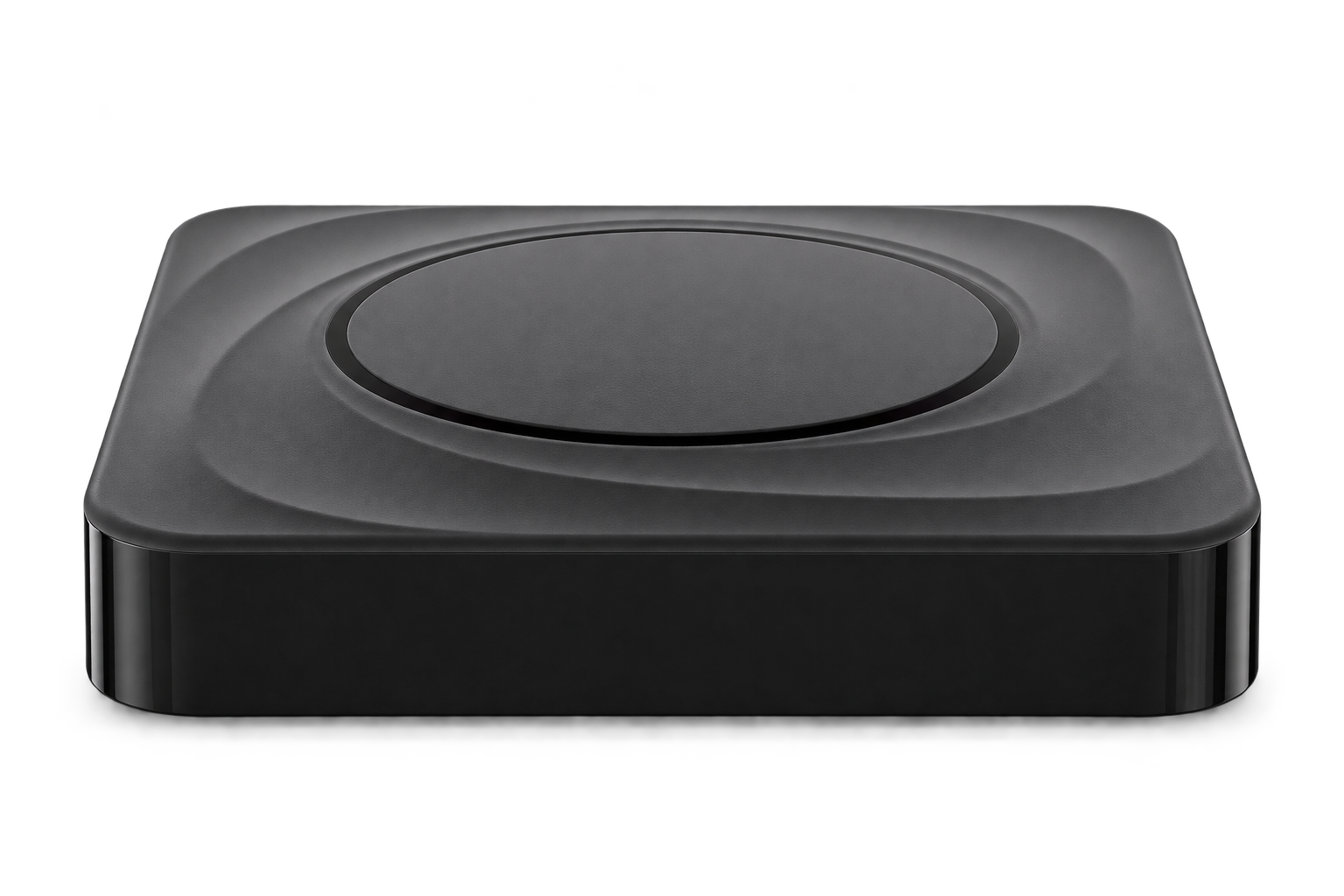
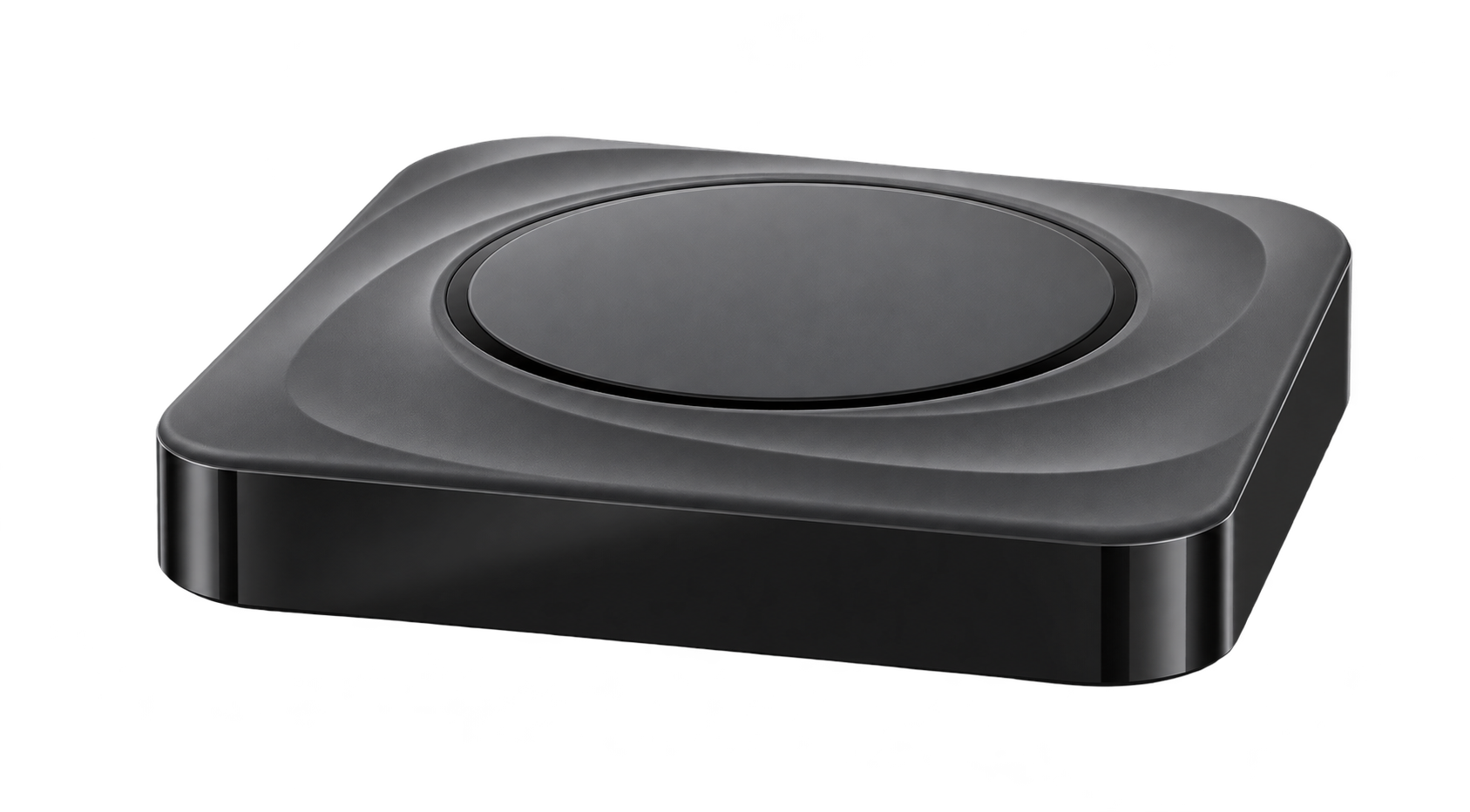
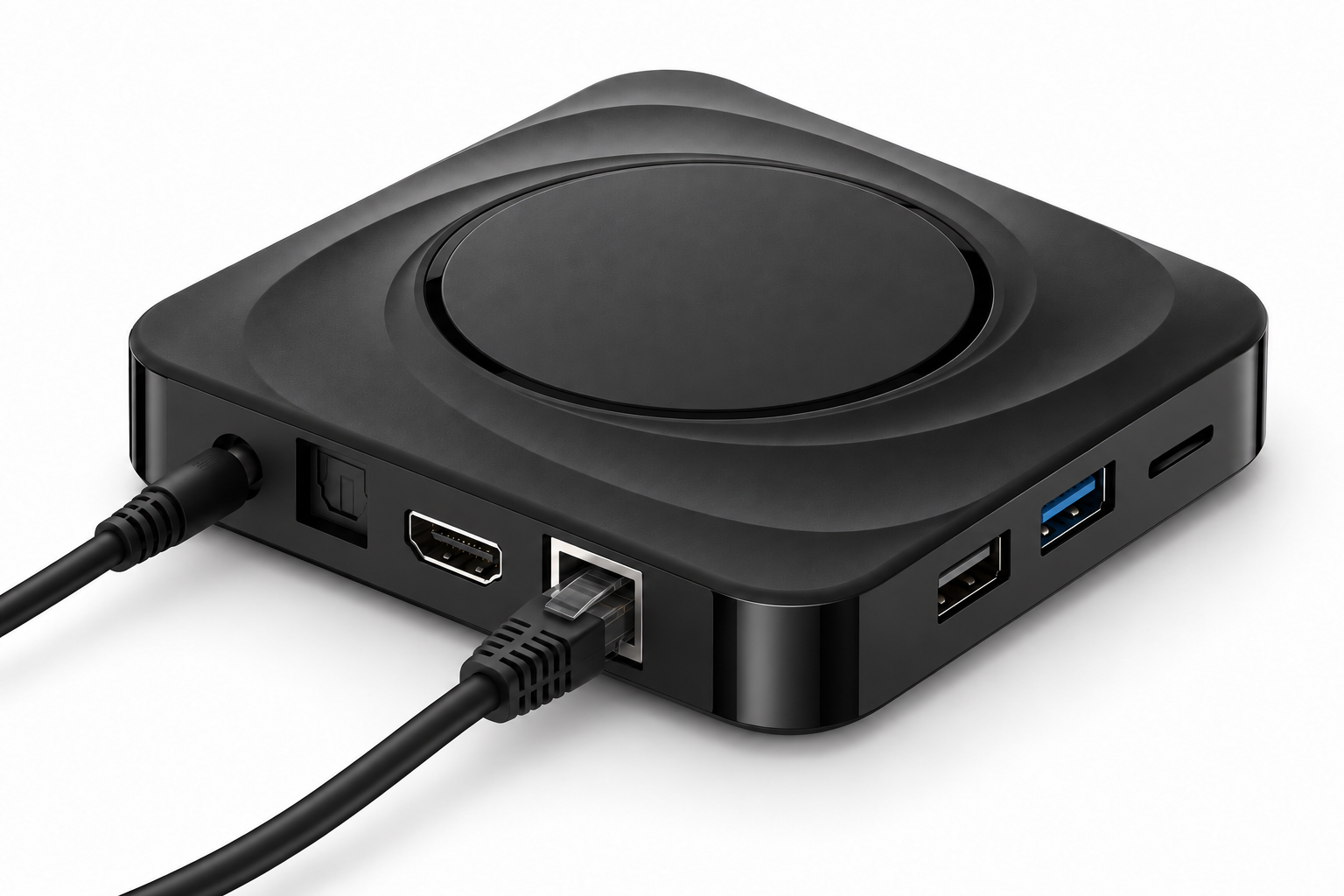
Connect lighting, sensors, heating and energy data in Home Assistant. This compact hub runs Home Assistant OS and includes Buddy, a separate local console for system status and technical management.
What is Home Assistant?
Home Assistant is software for connecting, controlling and automating smart devices. The hub is the computer that runs this software continuously. Open the dashboard on your phone, tablet or computer.
An integration connects a device or service. An automation then determines what happens: a light turns on with motion, heating responds to an open window or a water sensor sends a notification.
Home Assistant can control local devices locally. Whether an application works without internet depends on the connected devices and integrations: some use an external cloud service.
More about Home Assistant automationsTechnical details
The computer, connections and power supply at a glance.
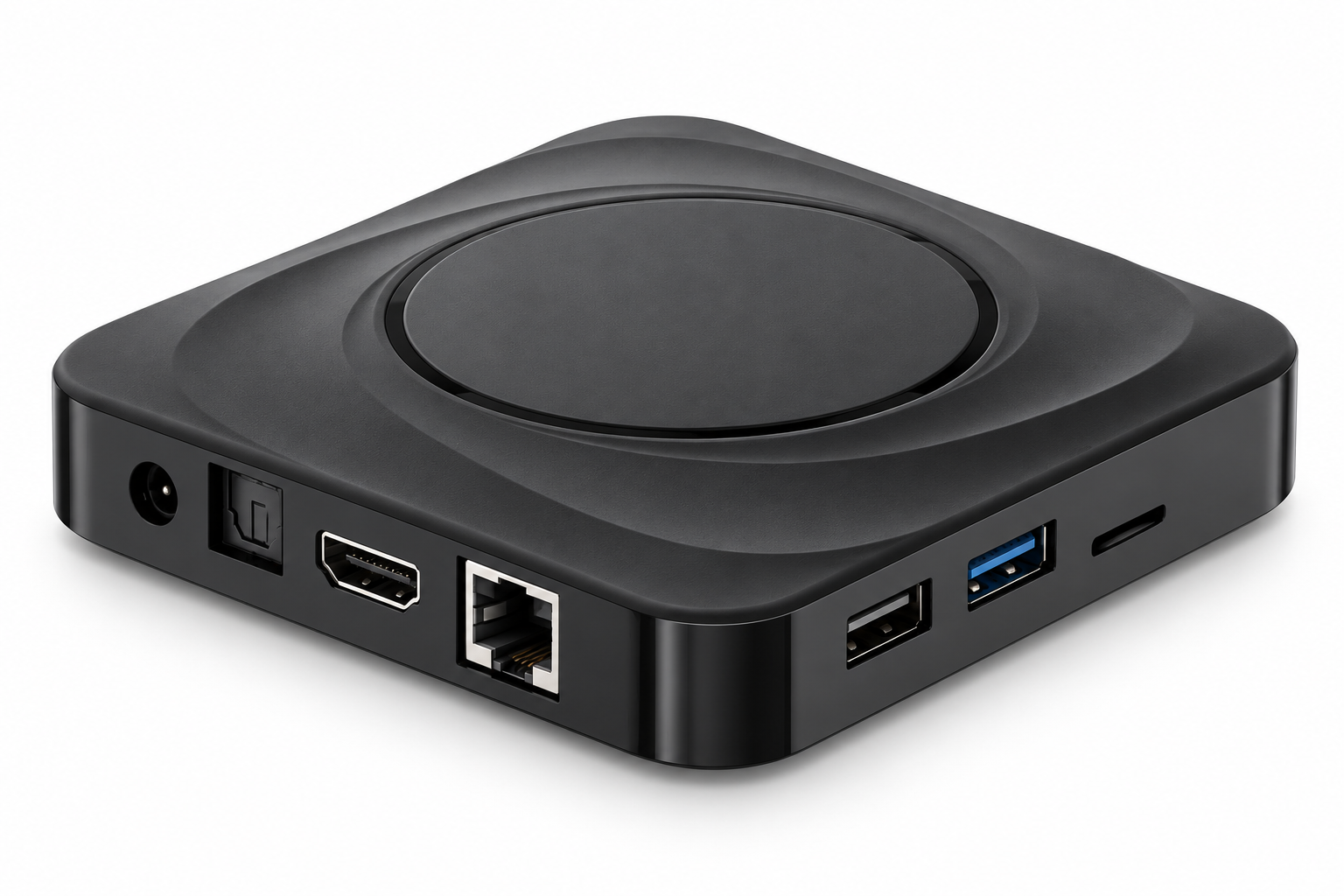
The enclosure provides USB 2.0 and USB 3.0 for supported expansions. HDMI is for diagnostics only and MicroSD for recovery only. The optical SPDIF connector is shown in the product material; available audio features depend on the software.
Hardware details according to the product documentation and user manual. Download the user manual. Product documentation.
Product comparison
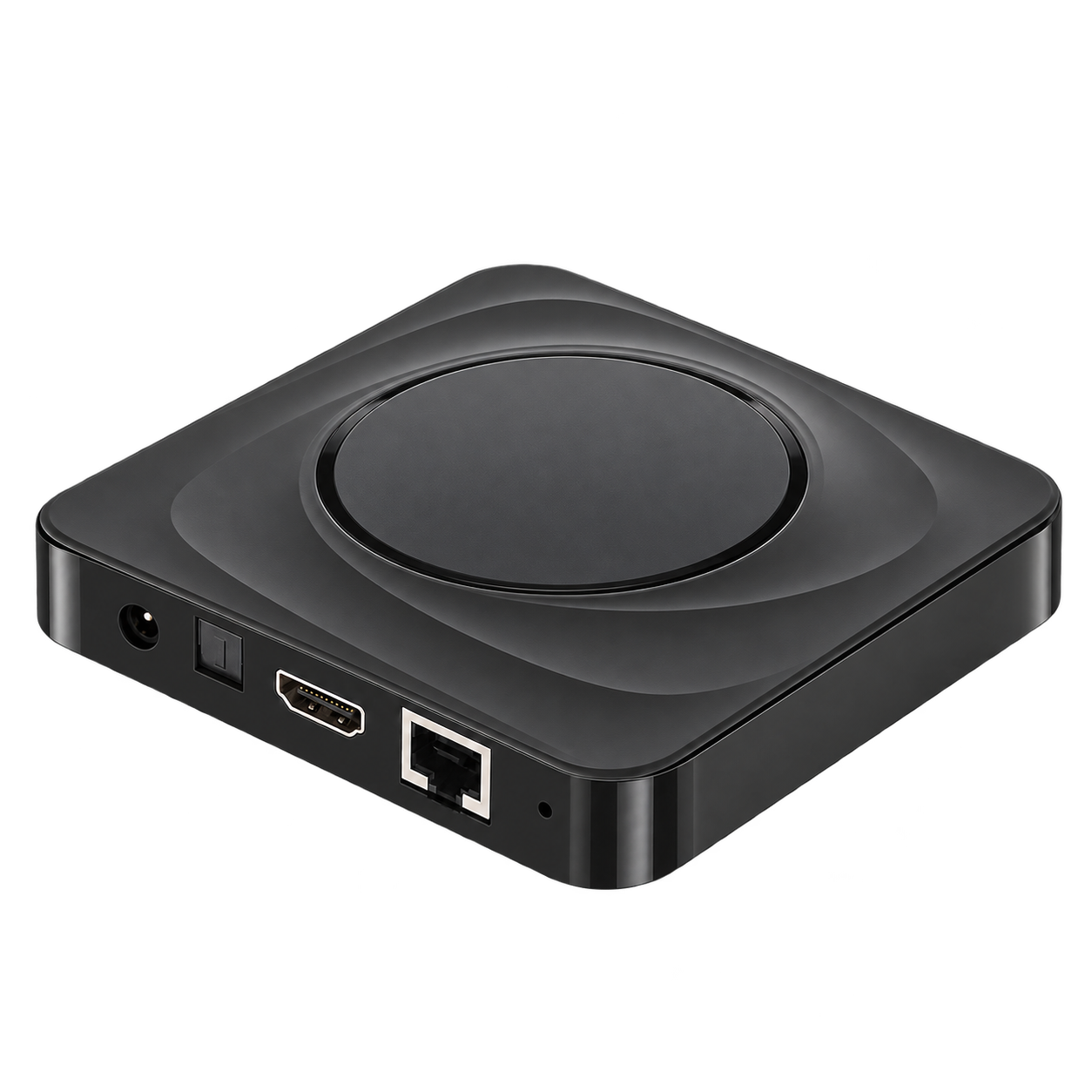
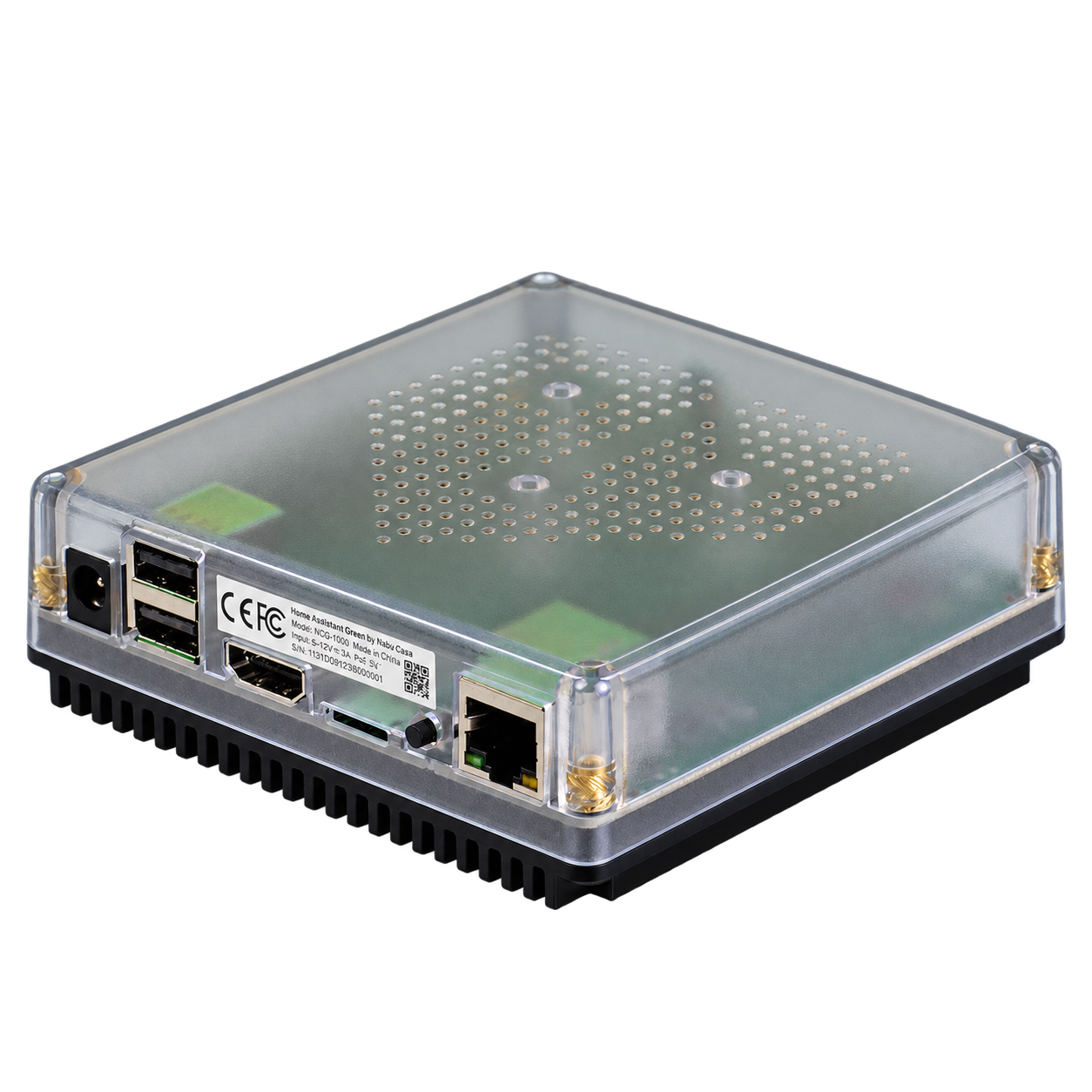
Home Assistant Green and Home Assistant hub side by side. The same software foundation, with differences in connections and installation assistance.
| Feature | Home Assistant hub | Home Assistant Green |
|---|---|---|
| Processor | RK3566, quad-core Cortex-A55, 1.8 GHz | RK3566, quad-core Cortex-A55, 1.8 GHz |
| RAM | 4 GB | 4 GB |
| Storage | 32 GB | 32 GB |
| Wired network | Gigabit Ethernet | Gigabit Ethernet |
| USB | 1 × USB 2.0 + 1 × USB 3.0 | 2 × USB 2.0 |
| HDMI | HDMI 2.0 | HDMI, diagnostics only |
| MicroSD | SDHC/SDXC slot; use depends on software | Slot for system recovery |
| Zigbee / Z-Wave / Thread | Suitable USB or PoE dongle required | Suitable USB or PoE dongle required |
| Management environment | Home Assistant + local Buddy console | Standard Home Assistant interface and system management |
| Dimensions | 103 × 103 × 23 mm | 112 × 112 × 32 mm |
| Power supply | 5 V DC, 2 A | 12 V DC, 1 A |
Both run Home Assistant. Automations, dashboards and integrations come from that software. Identical CPU specifications and RAM capacity do not support a claim that one hub is faster than the other.
Home Assistant hub offers a USB 3.0 port and the additional Buddy console. Green offers the standard Home Assistant management environment and two USB 2.0 ports. Weigh these points against the devices and extensions you want to use.
A place on your home network
Give the hub a permanent location and connect it to your router or switch. Position a separate dongle according to the coverage you need at home.
View connection optionsIn practice
These examples use Home Assistant. Which ones you can implement depends on your devices, sensors and integrations.
Make hallway lighting respond to motion, but only when it is dark. Set an evening scene that dims several lights together.
Required: supported lights or switches; a suitable sensor for motion detection.
Combine temperature readings with a smart thermostat or radiator valve. Use a window contact as a condition to temporarily pause a heating automation.
Required: supported temperature controls and, optionally, a window or temperature sensor.
Combine grid consumption, solar panels and individual appliances in the energy dashboard. Use the available readings to understand consumption better.
Required: suitable meter readings, an inverter integration or an energy-monitoring plug.
Receive a message about a leak or a door left open too long. Combine the notification with a light or another action at home.
Required: suitable sensors and a configured notification service. This does not replace a certified alarm system.
Start a morning routine at a set time or with a button. Make several devices respond to the same event, with individual conditions for each room.
Required: connected devices and an automation in Home Assistant.
Read our guide to the energy dashboard and automations.
Connecting devices
Home Assistant supports several connection methods. Some require additional hardware.
Network devices connect through a supported integration. A Wi-Fi device can communicate through your router with a hub connected by cable.
For supported Bluetooth devices. Range, dongle support and the chosen integration determine whether direct pairing is suitable; a Bluetooth proxy can be an alternative.
A suitable coordinator or controller is required. The hub has no built-in Zigbee or Z-Wave support. A supported USB or PoE dongle provides the connection.
Matter is a network-level standard. Matter over Wi-Fi uses your home network; Matter over Thread also requires a Thread border router. A hub running Home Assistant is not automatically a Thread border router.
Connections for your smart home
From wireless sensors to voice control: choose a supported integration and suitable hardware.






Logos identify protocols and services, not built-in radios or certification. Available features vary by device and integration.
Explore integrations and requirementsThe installation behind your dashboard
Home Assistant controls your home. Buddy is the hub's additional local management console: startup progress, system status and maintenance tools in a browser.
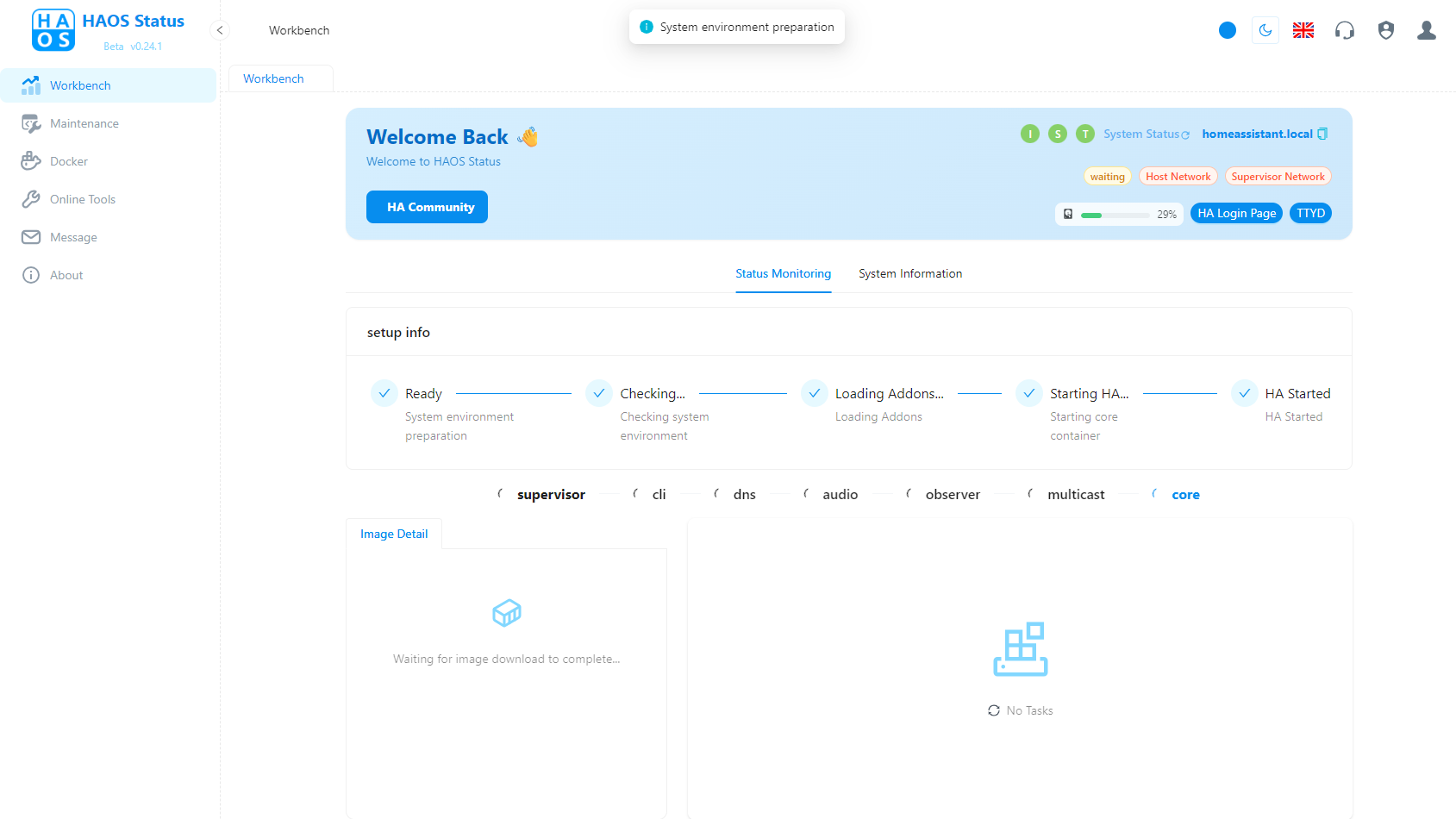
Follow preparation, checks, loading extensions and starting Home Assistant.
View components such as Core, Supervisor and DNS, plus network and system information.
The product material describes restarting, safe mode, IP settings, network checks and Core management, among other tools.
Frequently asked questions
Not always. A supported Home Assistant integration can connect devices directly or through their existing bridge. Whether that bridge can be removed depends on the device and protocol.
Home Assistant has backup and restore features. When moving, also check connected dongles, network addresses and extension compatibility. Make a backup first and store it outside the hub.
No. Home Assistant manages devices, dashboards and automations. Buddy is an additional console for the status and management of the computer running Home Assistant.
Local integrations can continue working locally. Cloud services, external notifications and some devices need internet. Internet is also required for installation and downloading updates.
The basic hub is described without a Zigbee or Thread dongle. For a bundle, check which dongle is included. Matter over Thread requires a suitable Thread border router.