Product & comparison
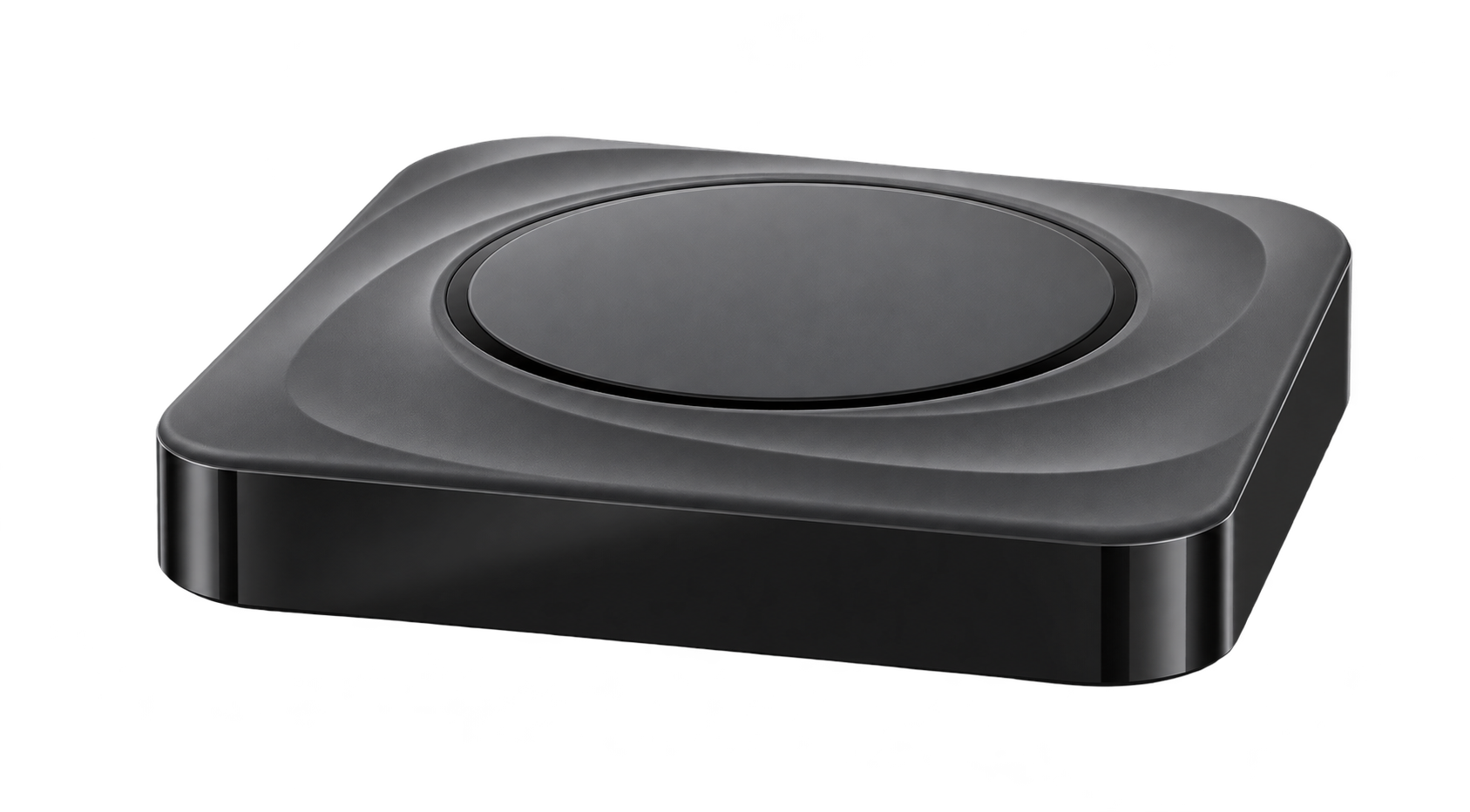
Home Assistant hub
Compact hardware. Your own smart home.
A central computer for Home Assistant OS, with expansion connections and Buddy as an additional local management console.
Zigbee, Z-Wave or Thread requires a suitable USB or PoE dongle. Check your devices and the contents of the supplied bundle.
The basics
What does Home Assistant hub do?
The hub keeps your Home Assistant installation available. In Home Assistant, connect supported devices, build dashboards and configure automations. Control your home through a browser or the Home Assistant app.
Buddy also shows system status and technical management features for this version. Buddy is not a voice assistant and does not replace your home dashboard. Read our Buddy guide.
Local integrations can work within your home network. Devices with cloud connections remain dependent on internet and their own service. Always check the exact brand and model in the Home Assistant integration catalogue.
Technical details
Hub specifications
- Operating system
- Home Assistant OS
- Processor
- RK3566, quad-core Cortex-A55, 1.8 GHz
- Memory
- 4 GB RAM
- Internal storage
- 32 GB
- Wired network
- Gigabit Ethernet
- USB
- 1 USB 2.0 + 1 USB 3.0
- Wi-Fi / Bluetooth
- Wi-Fi and BLE
- HDMI
- Diagnostics only
- Weight
- 240 g
- MicroSD
- Recovery only
- Power supply
- 5 V DC, 2 A; 5.5 mm connector
- Dimensions
- 103 × 103 × 23 mm
- Zigbee / Z-Wave / Thread
- Via a suitable dongle or bridge
- Additional management
- Via Buddy & via Home Assistant
Hub specifications are based on the product documentation and user manual. This page describes the 4 GB / 32 GB version; the manual also lists versions with 8 GB memory and 64 GB storage. Read or download the user manual.
Side by side
Hub or Home Assistant Green?
The same software, different connections and additional management. Matching memory and processor specifications do not prove equal or better performance.
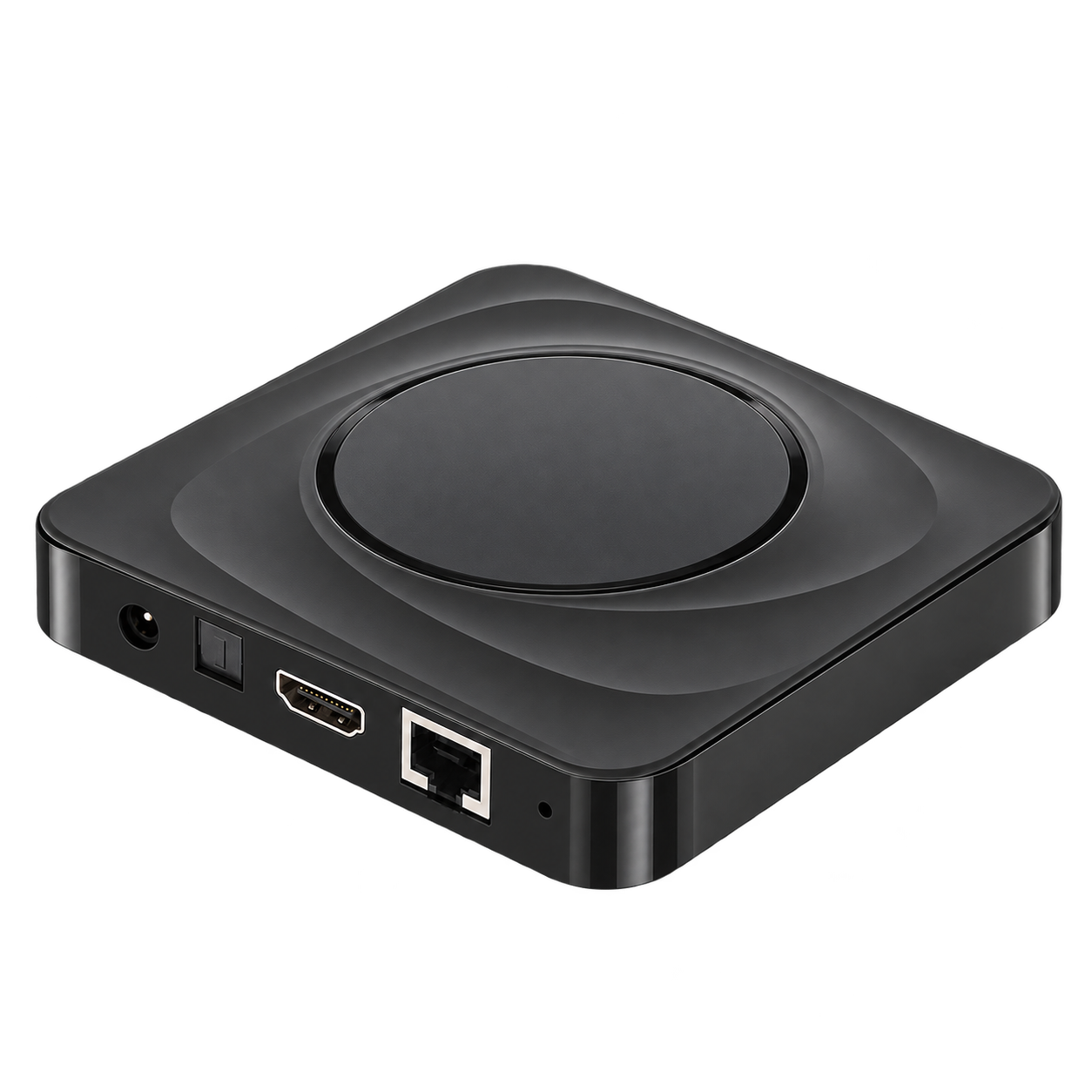
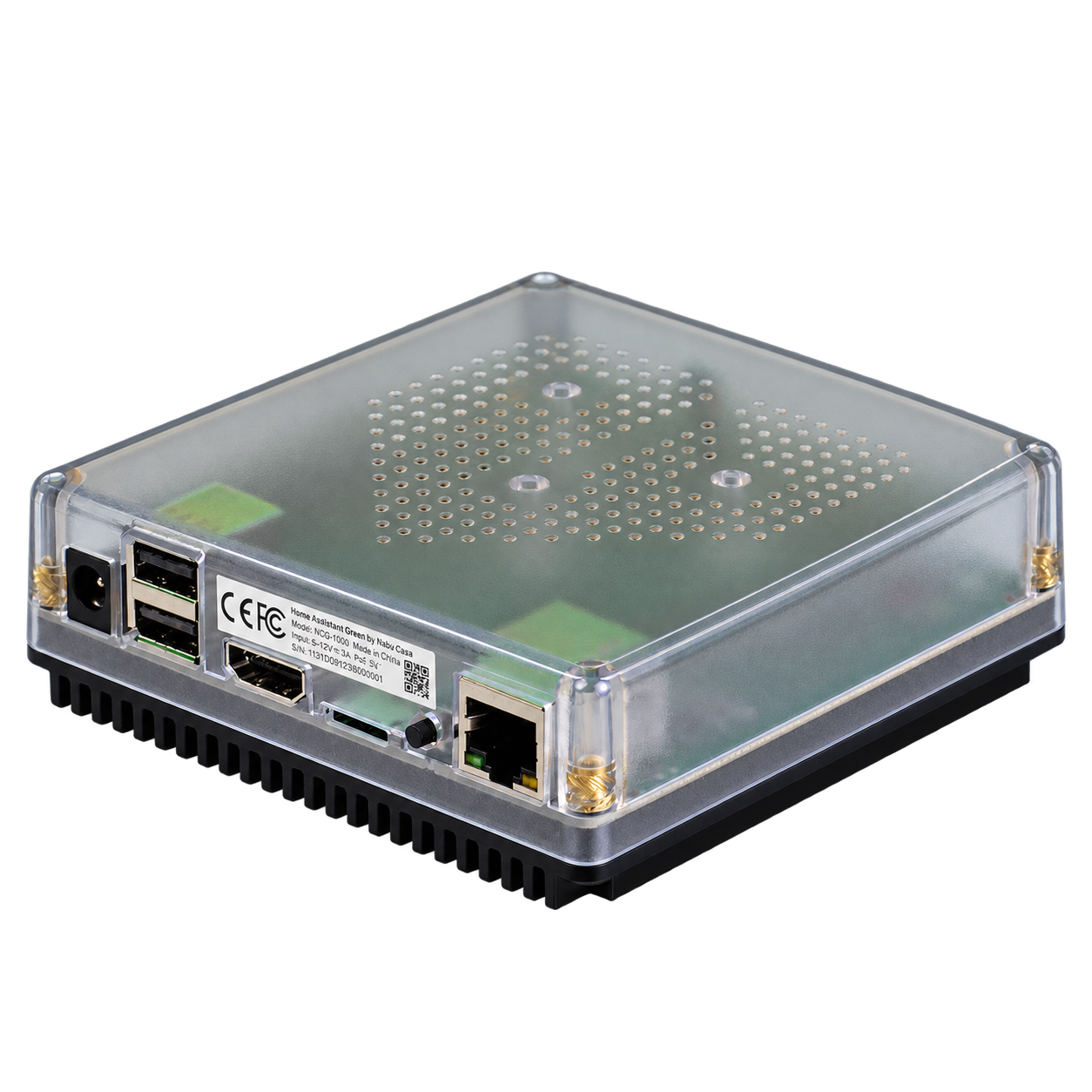
| Property | Home Assistant hub | Home Assistant Green |
|---|---|---|
| Processor | RK3566, quad-core Cortex-A55, 1.8 GHz | RK3566, quad-core Cortex-A55, 1.8 GHz |
| Memory | 4 GB | 4 GB |
| Internal storage | 32 GB | 32 GB |
| Wired network | Gigabit Ethernet | Gigabit Ethernet |
| USB | 1 USB 2.0 + 1 USB 3.0 | 2 USB 2.0 |
| HDMI | Diagnostics only | Diagnostics only |
| MicroSD | Recovery only | Recovery only |
| Power supply | 5 V DC, 2 A; 5.5 mm connector | 12 V DC, 1 A |
| Dimensions | 103 × 103 × 23 mm | 112 × 112 × 32 mm |
| Weight | 240 g | 340 g |
| Zigbee / Z-Wave / Thread | Via a suitable dongle or bridge | Via a suitable dongle or bridge |
| Additional management | Via Buddy & via Home Assistant | Management through Home Assistant |
When should you consider Home Assistant hub?
When USB 3.0, compact dimensions and the additional Buddy console suit your needs. Discuss with your retailer which version and support fit your installation.
When should you consider Green?
When you deliberately choose official Home Assistant hardware with published hardware documentation. Allow for separate dongles for wireless protocols.
Hub specifications are based on the product documentation and user manual. This page describes the 4 GB / 32 GB version; the manual also lists versions with 8 GB memory and 64 GB storage. Green specifications: Green guide, accessed on 9 October 2026. Home Assistant hub is not official Home Assistant hardware; using the name and logo does not imply certification or a partnership.
Before you start
Connect, expand and manage
Your network is the starting point
Connect the hub to your router or switch and the correct power supply. Then open Home Assistant from a device on the same network. Use a power supply matching the supplied version.
A dongle is not the same as Wi-Fi
Ethernet or Wi-Fi makes the hub reachable but does not replace a Zigbee or Z-Wave coordinator. Matter over Thread requires a suitable Thread border router. Firmware and integration determine a dongle's function.
View suitable USB and network accessories
HDMI does not promise a dashboard
An HDMI port does not automatically provide a home dashboard on a connected display. For everyday control, use a browser or app on your phone, tablet or computer.
Keep backups outside the hub too
Make a backup before major changes and keep a copy outside internal storage. Agree with your retailer who helps with hardware questions, updates and recovery.