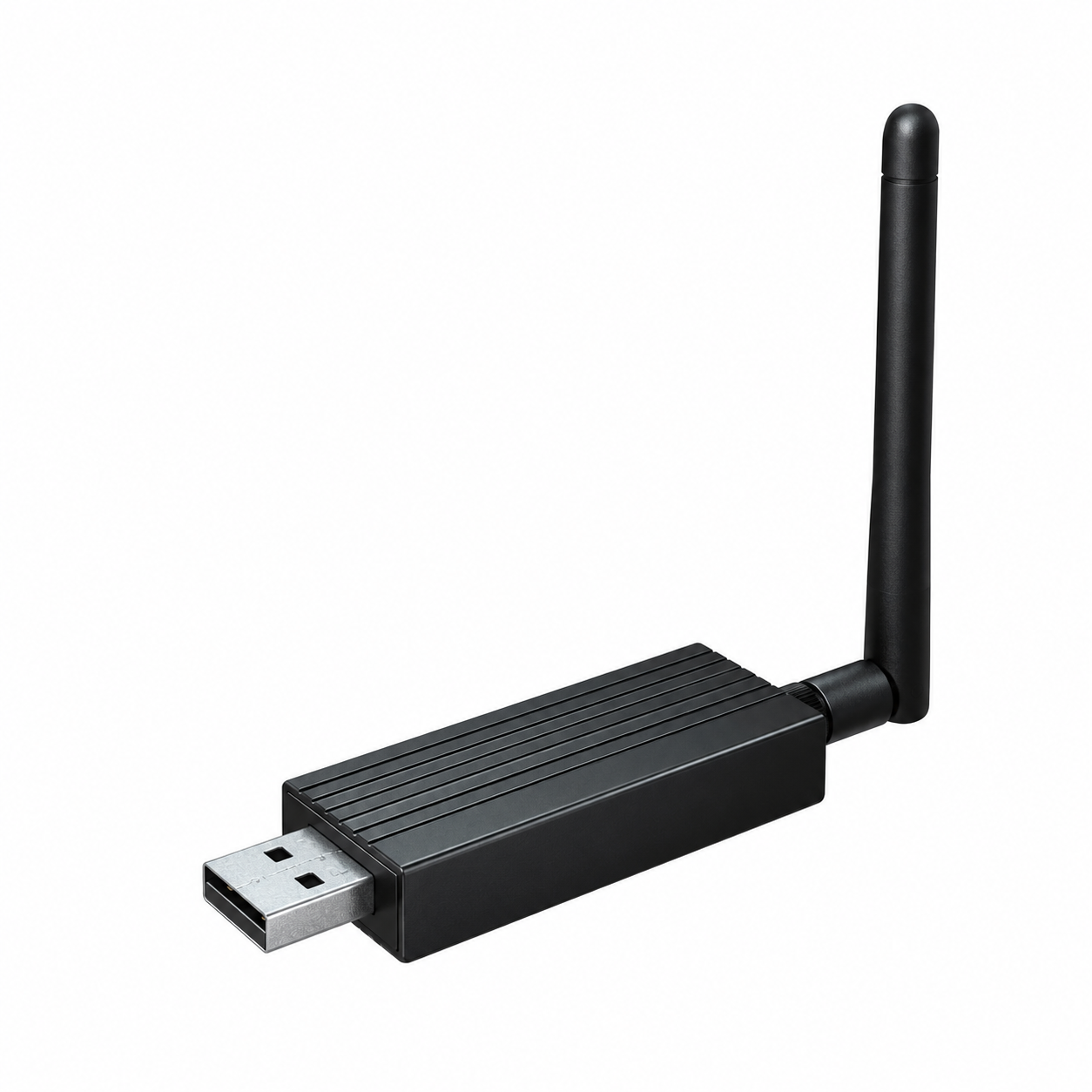
Zigbee USB dongle
The USB option for a Zigbee network with lights, sensors and smart plugs.
- Protocol
- Zigbee
- Chipset
- CC2652P
- Connection
- USB-A
- Power supply
- Powered by USB
Recommended retail price€19.95
 Buy
 Home Assistant hubthe foundation for home automation
USB next to the hub. PoE where it works best.
Choose from four dongles: Zigbee over USB or PoE, with or without Thread support. A dongle extends your Home Assistant hub. You will also find the control panel below.
The USB option for a Zigbee network with lights, sensors and smart plugs.
Buy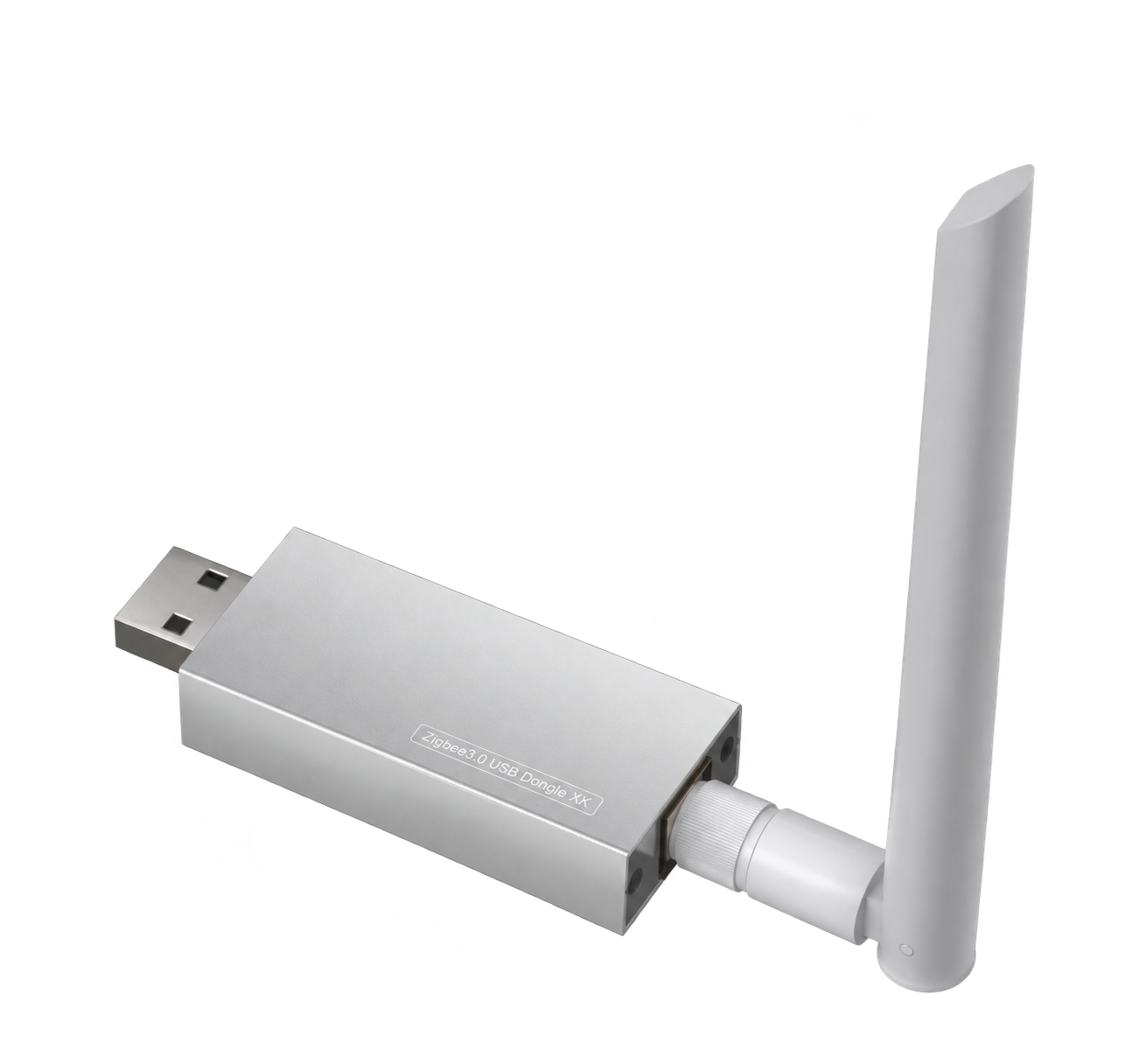
A USB dongle for Zigbee or Thread, depending on the chosen firmware and configuration.
Buy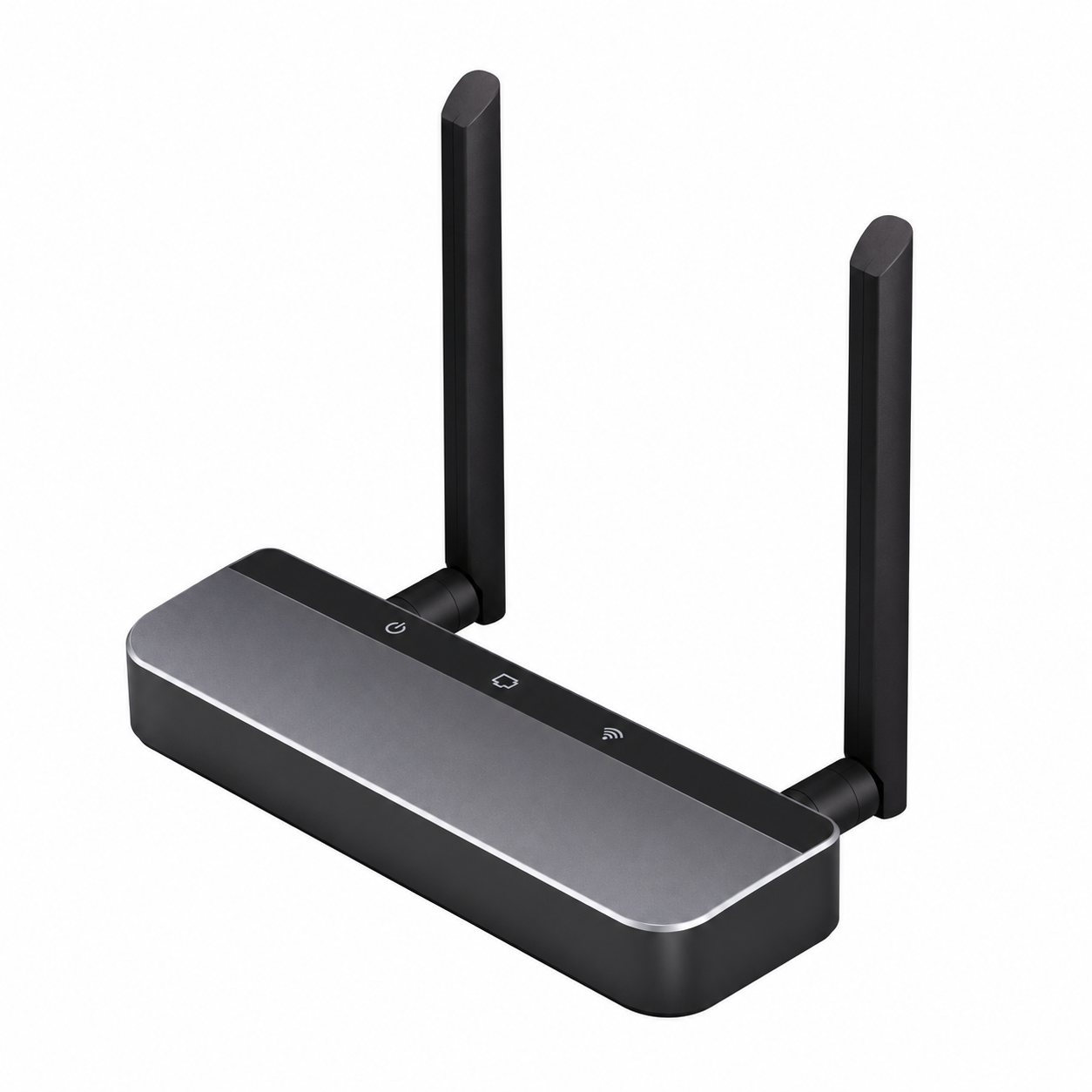
Use your wired network to position the Zigbee dongle in a suitable location, separate from the hub.
Buy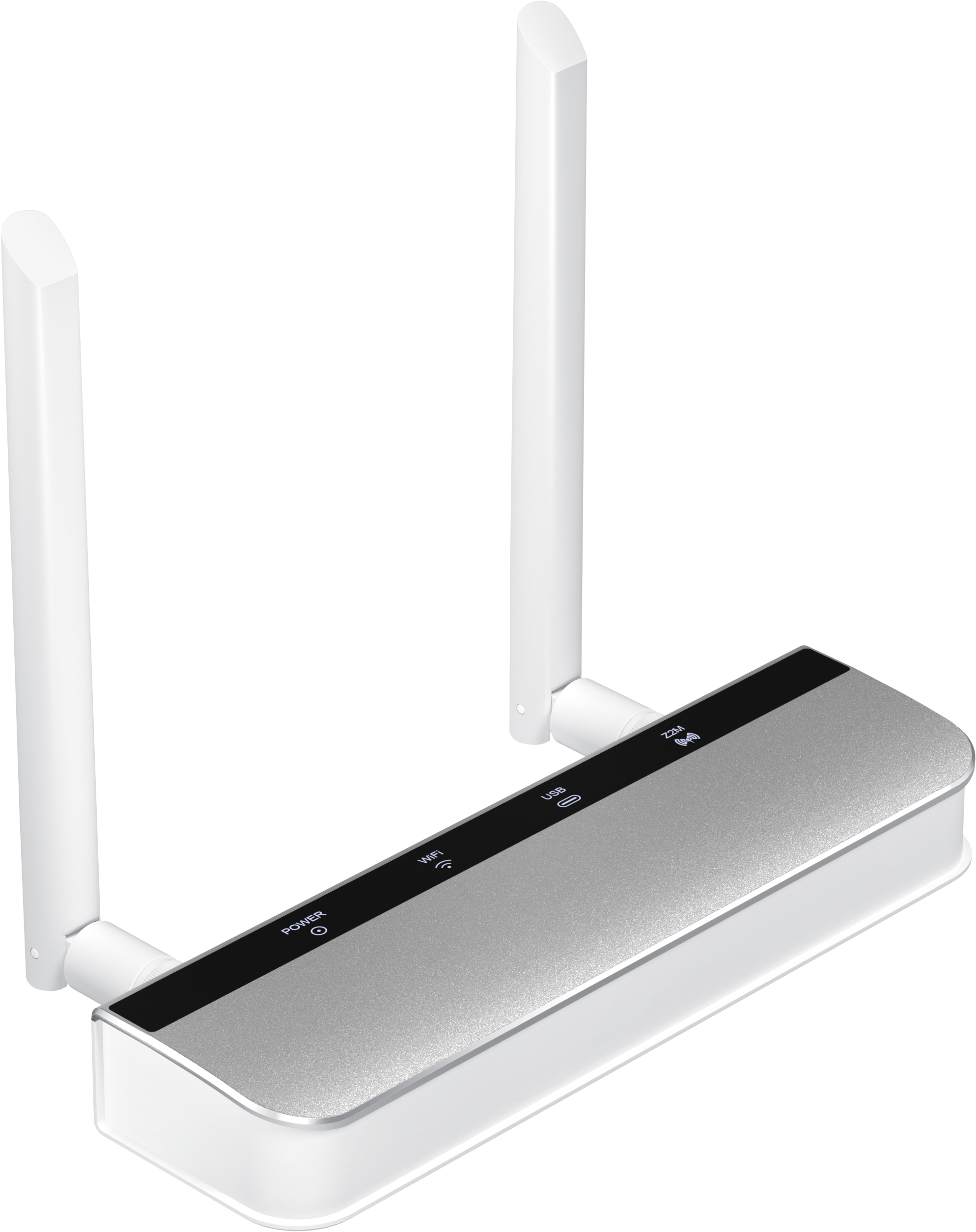
A network dongle supporting Zigbee or Thread, depending on firmware and configuration.
Buy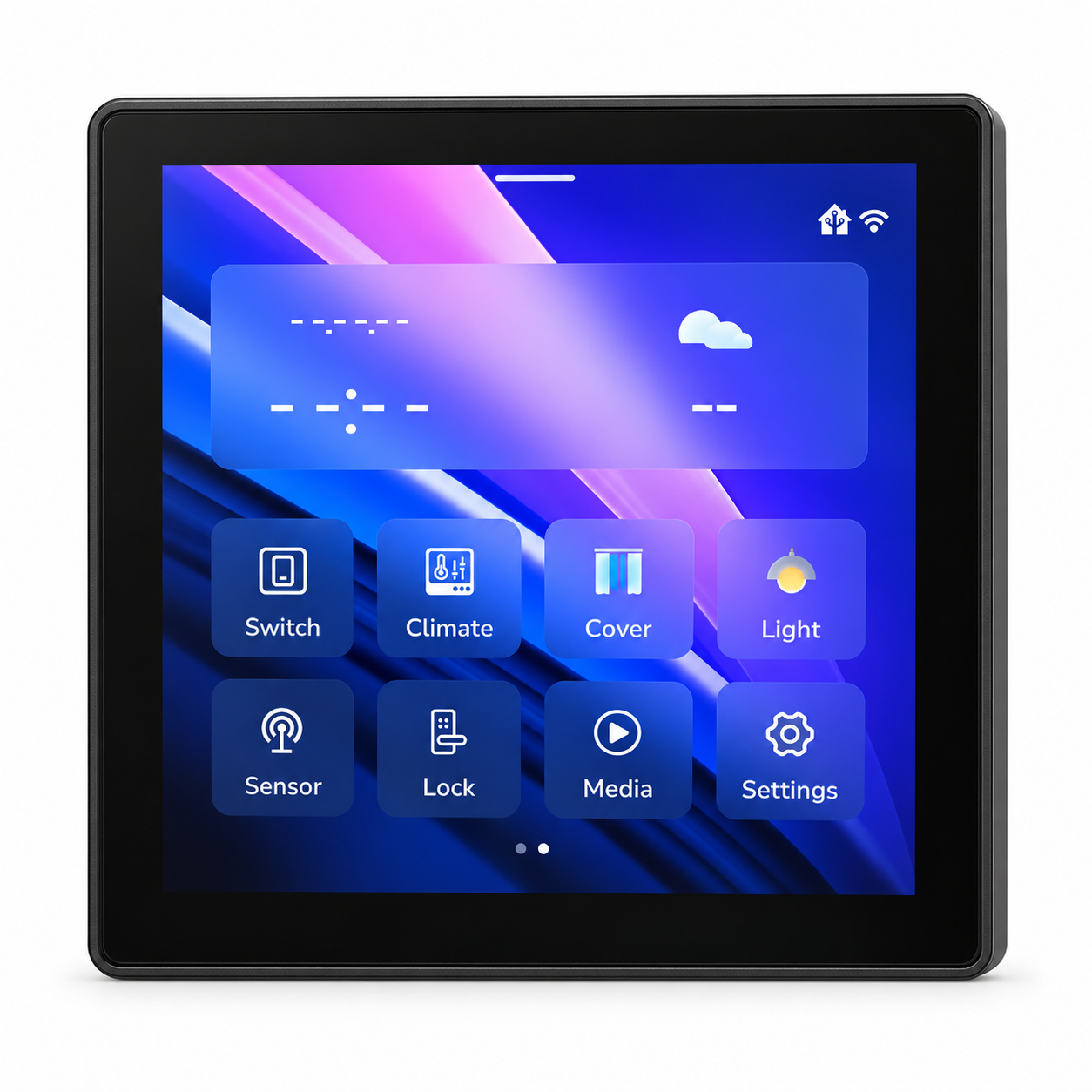
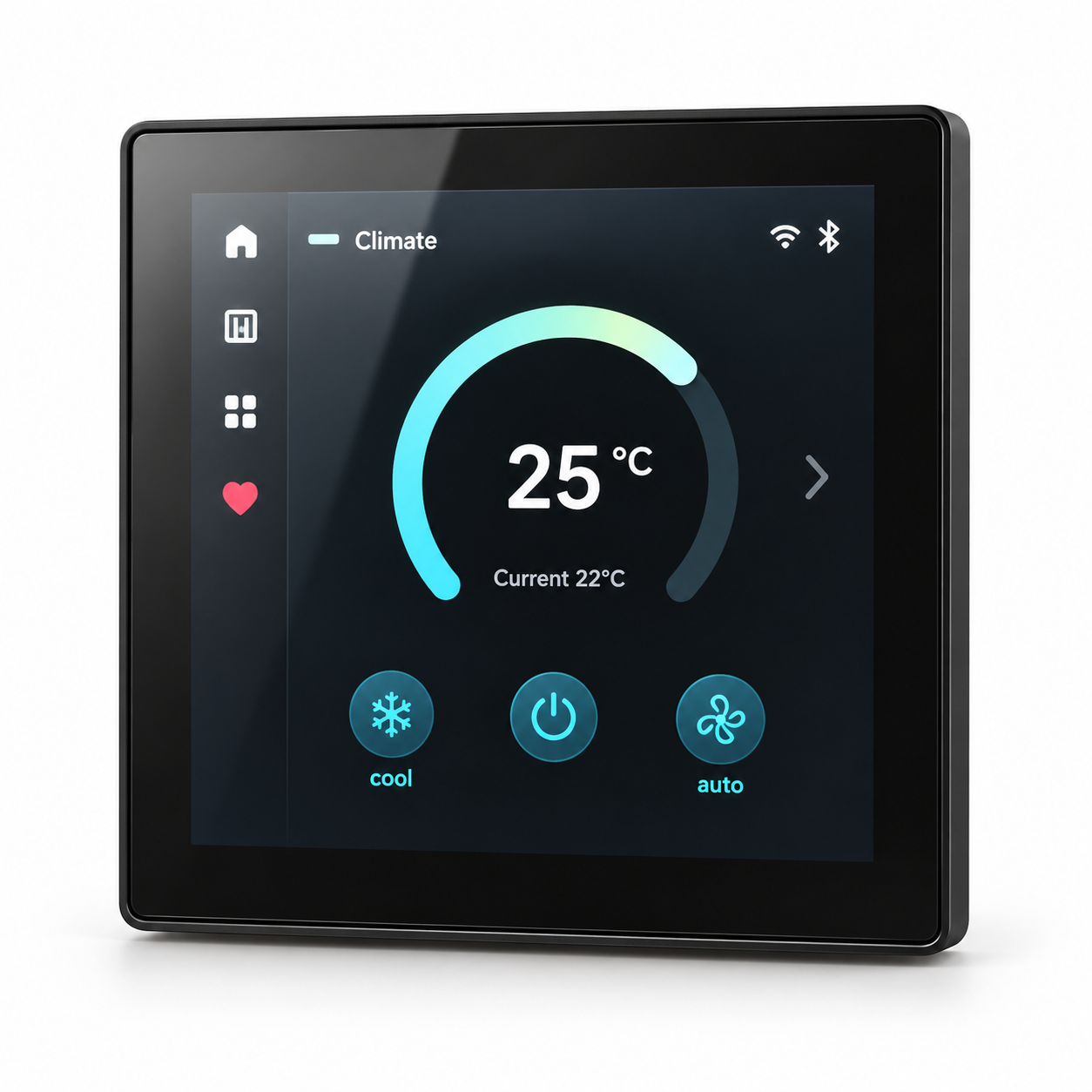
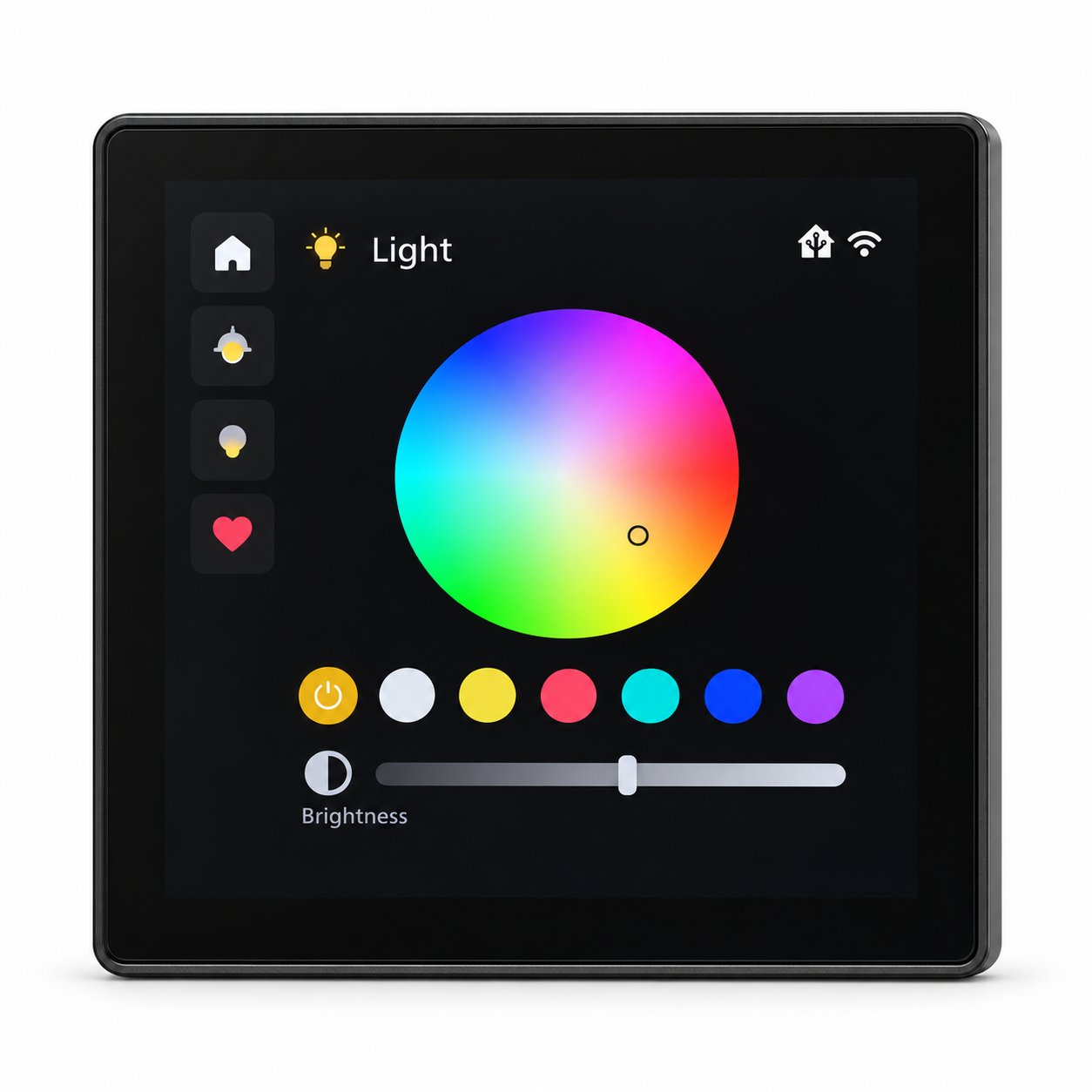
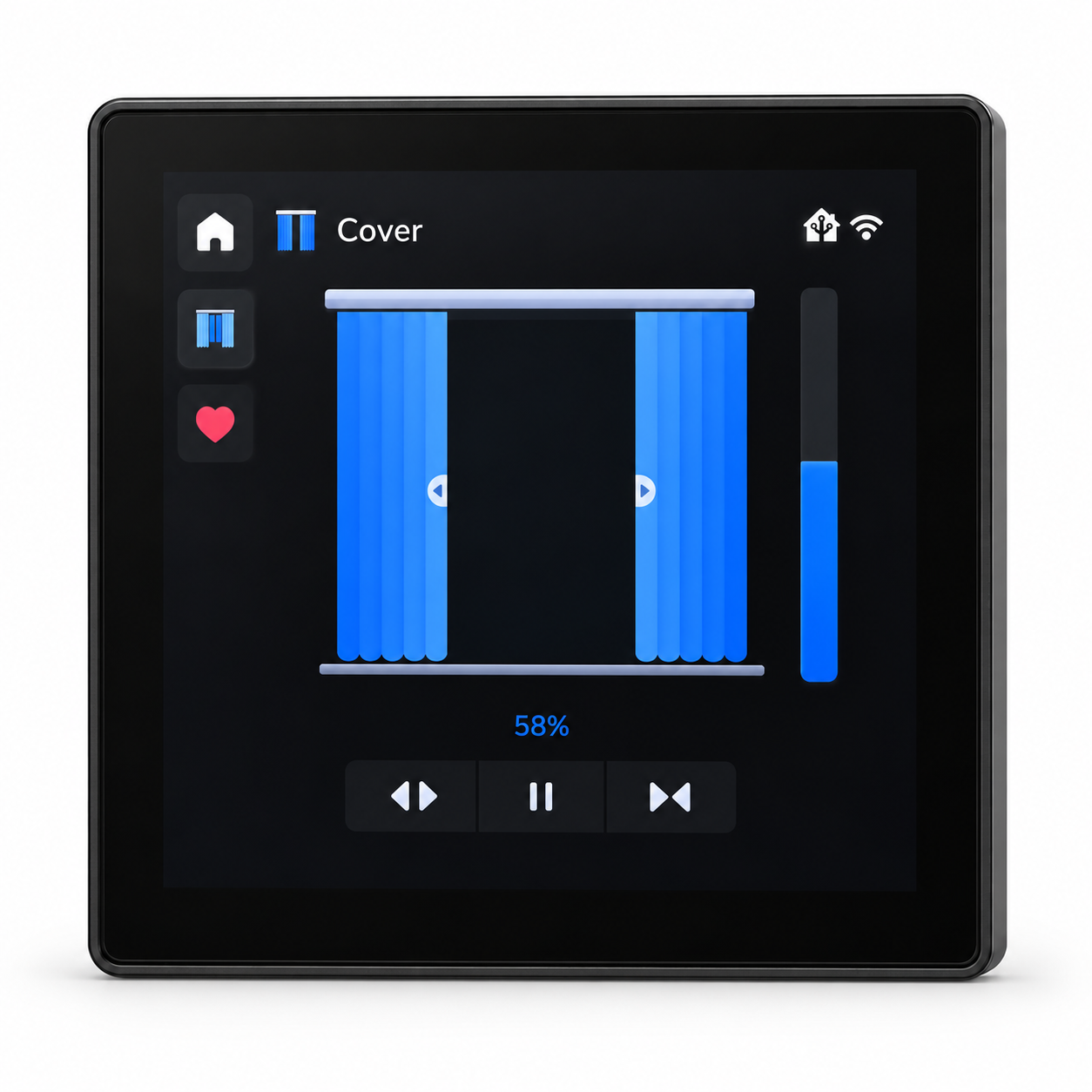
Product renders; screen displays for illustration.
Control your smart home from a dedicated touchscreen. Open Home Assistant on the panel and keep your favourite devices and entities within reach.
For Zigbee, choose a supported coordinator configuration, such as ZHA or Zigbee2MQTT. Thread requires suitable firmware and network configuration; Thread support does not mean Zigbee and Thread work simultaneously. Matter over Thread also requires a Thread border router.
PoE supplies power through the network cable using a suitable PoE switch or injector. An ordinary Ethernet port does not automatically supply power.
Connecting and positioning
The choice mainly concerns positioning, cabling and management, not a guaranteed increase in wireless range.
| Feature | USB dongle | Ethernet / PoE dongle |
|---|---|---|
| Positioning | Near the hub, with a USB extension cable if needed | In a suitable location on your wired network |
| Power supply | Powered by the hub's USB port | Via suitable PoE equipment or a separate USB-C power supply |
| Connection to Home Assistant | Local serial USB connection | Via network or USB, depending on the selected mode |
| Practical use | The hub is already in a good location for the dongle | The hub is out of sight; the PoE dongle needs a more central position |
| Points to consider | USB interference and distance from other electronics | Network stability, a fixed address and the correct firmware |
From dongle to home
A Zigbee network has one coordinator. Do not use the same dongle for ZHA and Zigbee2MQTT at the same time. Suitable mains-powered devices can act as Zigbee routers to extend the mesh network; battery-powered sensors generally cannot.
Do not place a USB dongle directly against the hub, a USB 3.0 device or a Wi-Fi router. A USB extension cable can create distance and reduce interference. Range depends on walls, positioning and other wireless signals.
Ethernet is the preferred connection for a network coordinator. Ensure its IP address is reachable and the connection is stable. Wi-Fi can add latency or connection problems when carrying the dongle connection.
Matter over Thread also requires a Thread border router and the corresponding Home Assistant configuration. Zigbee firmware does not automatically make a dongle suitable for Thread.
Background: ZHA explained and Thread in Home Assistant.
Before you expand
Green can also work with a supported external dongle. Check the chosen dongle's firmware and integration. The Home Assistant logo on this website does not mean these dongles are official Home Assistant hardware.
Not for a single Zigbee network. Choose the option that suits your positioning. A separate Thread dongle may be useful if you also want to build a Thread network.
Sometimes a network can be migrated using a backup and a supported migration feature. In other cases, devices need to be paired again. Make a backup first and check the migration path in ZHA or Zigbee2MQTT.
No. Support depends on the device, firmware and integration. Check the exact model before putting an installation together.